SaaS Spend Visibility Platform Built from Scratch and guided with AI

SaaS Spend Visibility Platform Built from Scratch and guided with AI

We built Nicklpass end to end: a SaaS spend visibility platform that joins browser activity, banking data, and workspace directories into one self-service Control Panel.

The Challenge

Nicklpass came to us with a thesis, not a product. Mid-market companies paid for SaaS seats nobody used, got double-billed across departments, and found out about shadow IT only when invoices showed up. The founders wanted a platform that could tell an organization what it actually spends on SaaS, who actually uses each app, and where it can cut waste. That meant pulling data from three places: a browser extension that captures active time per app, banking data with bank and credit-card transactions, and Google or Microsoft workspace directories of employees and the apps they had been granted.

None of it existed yet. There was no backend, data pipeline, customer dashboard, admin tool, onboarding flow, billing, or permission system. Each piece is a real project on its own. The harder part was making them cohere into one report a customer could run without engineering involvement.

The Web App

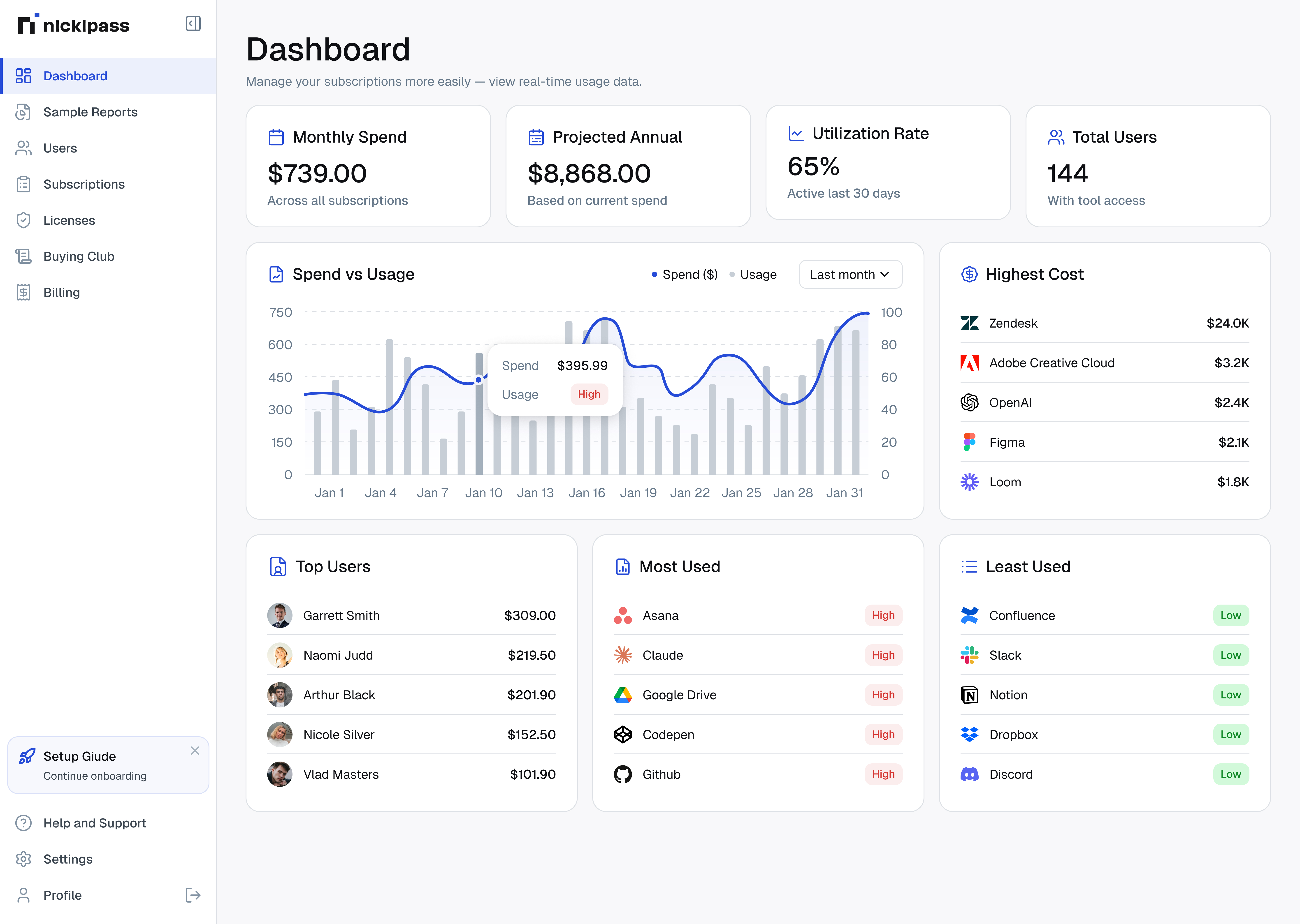
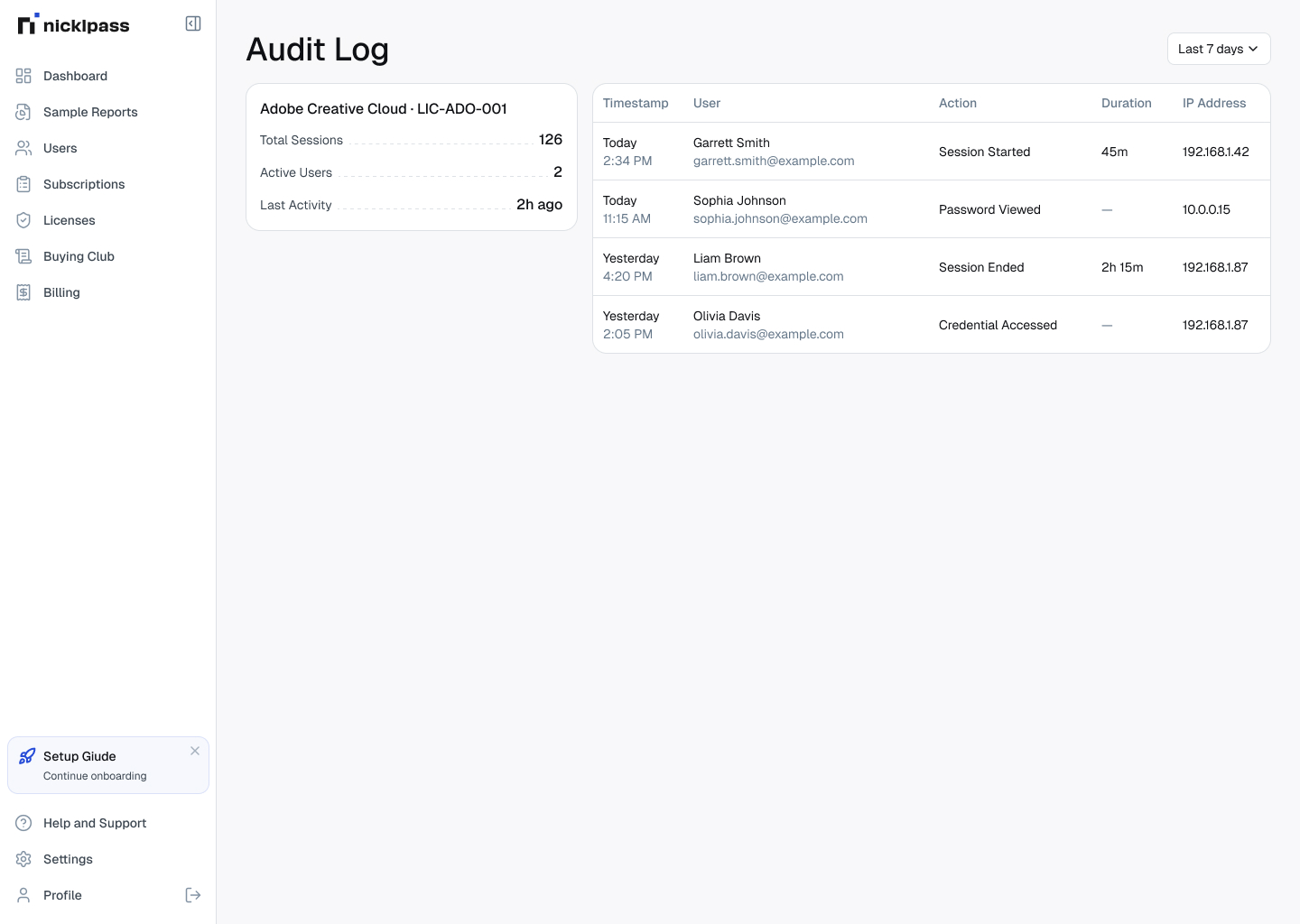
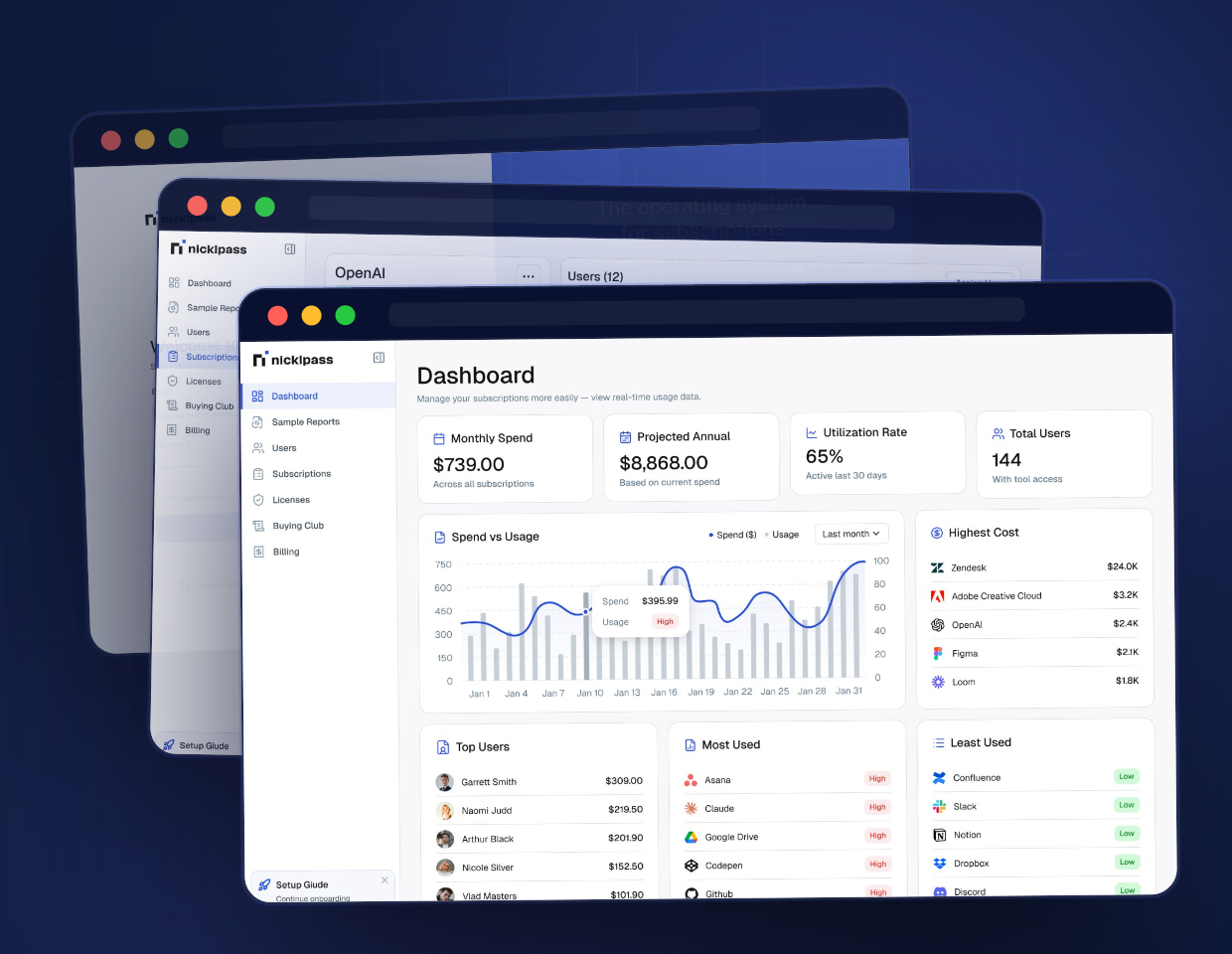
The Control Panel ships responsive on desktop and mobile. Major surfaces include the Dashboard, Users, Subscriptions and per-subscription detail, Licenses with assignment and access requests, Buying Club, Billing, Settings (Integrations, Mappings, Roles), Profile, Sample Report, FAQ, and a five-step Onboarding. The sidebar can be expanded, collapsed to icons, or hidden, and adapts to the current breakpoint automatically.

Tech Stack

Frontend Icon

Frontend

Next.js, React, TypeScript, Tailwind CSS

Backend Icon

Backend

Next.js Server Actions, API routes, Custom RBAC

Database Icon

Database

PostgreSQL

AI Icon

AI

AI-assisted transaction-to-application matching

Infrastructure Icon

Infrastructure

Google APIs, Microsoft APIs, Banking data API, Payments

Web app

Authentication, Permissions, and Integrations

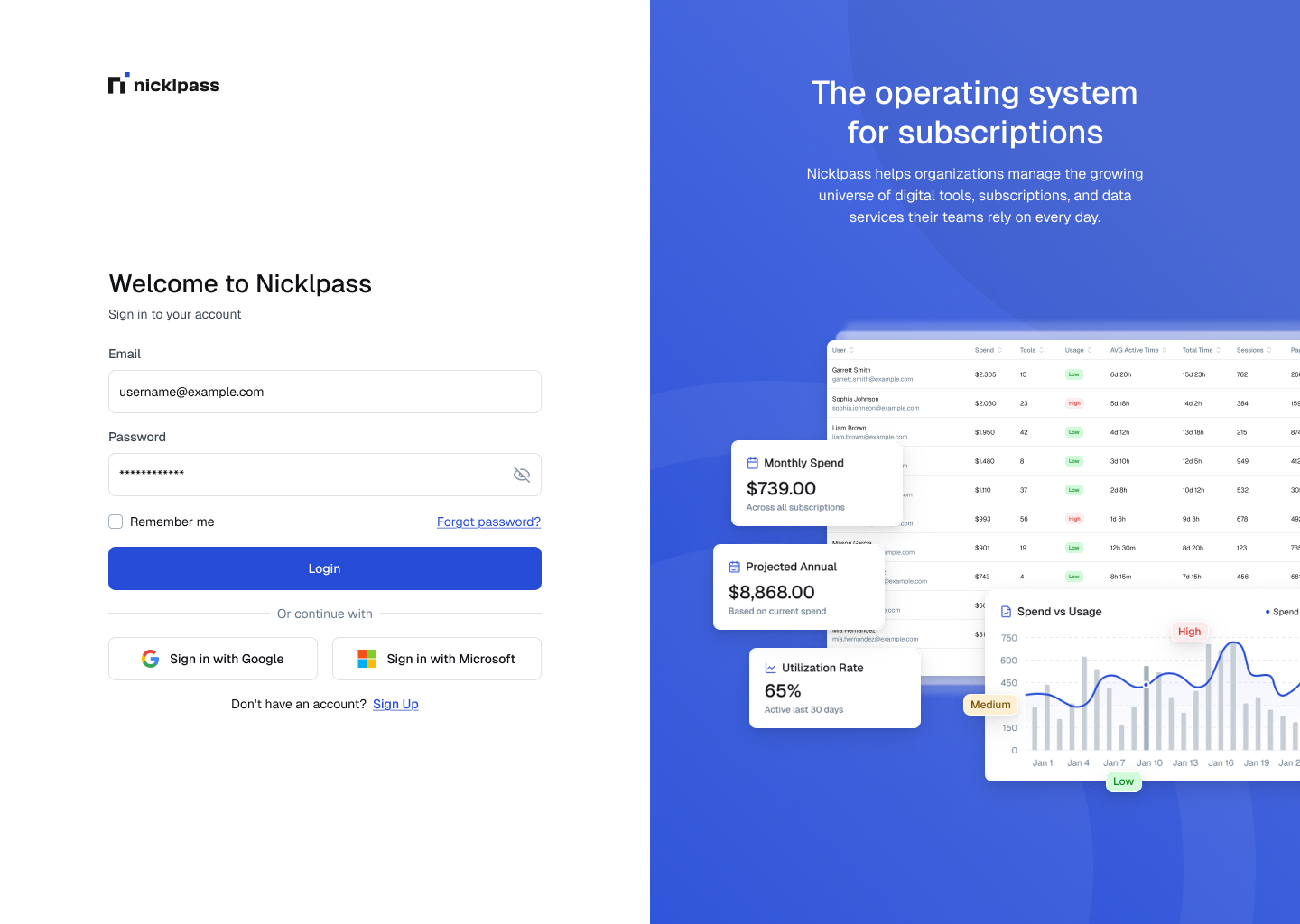
Authentication uses JWT sessions, with sign-in by email and password, Google OAuth, or Microsoft OAuth. On top of sessions sits a custom RBAC layer with 11 permission scopes (users, billing, subscriptions, licenses, buying club, workspace integrations, security, profile, and three mapping scopes), plus admin roles for support and global administration. Roles and their scopes are editable from inside the app, so extending a role is a checkbox change instead of a deploy.

The platform connects to banking data for transaction import. It uses Google APIs to sync the workspace directory and deploy the browser extension organization-wide, and Microsoft APIs for directory and app data. A payments integration handles billing.

Impact & Results

The Control Panel took Nicklpass staff out of the critical path on every common customer request. Organization admins connect their banking data, sync their workspace directory, deploy the browser extension across the company, invite teammates in bulk, manage licenses and access requests, and reconcile transactions on their own. Bulk uploads and AI-assisted matching turned what used to take days of spreadsheet work into a single file upload.

Sales demos now run inside the prospect's own account once the data sources are connected. No more static screenshots. The same UI doubles as Nicklpass's internal admin tool: global admins use cross-organization impersonation to investigate customer issues without console access. The 11-scope permission system gives each customer's finance, IT, and security stakeholders the exact access they need, and adjusting that access is a checkbox edit inside the app instead of a code change. The Buying Club enrollment flow turned an email-thread negotiation into a self-service form with a transparent seat-based price.

Our Solution

We built Nicklpass from scratch as a full-stack web application. The Control Panel is the single front door for both customers and Nicklpass staff. It connects the workspace and banking data sources, joins those streams into the spend-and-usage report, and turns every operational action into a self-service workflow: license revoke, seat reassignment, access request approval, Buying Club enrollment, role permission edit.

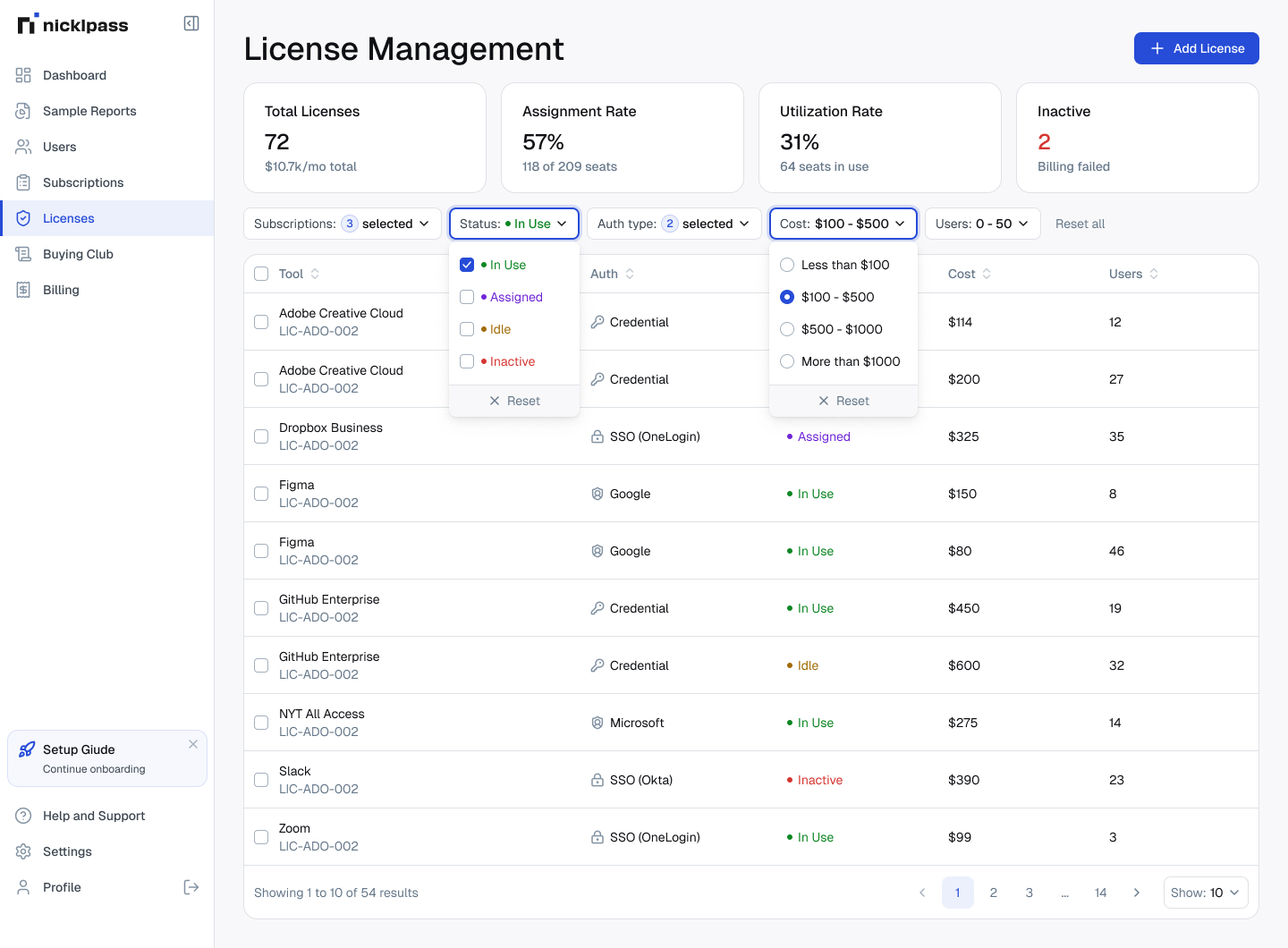
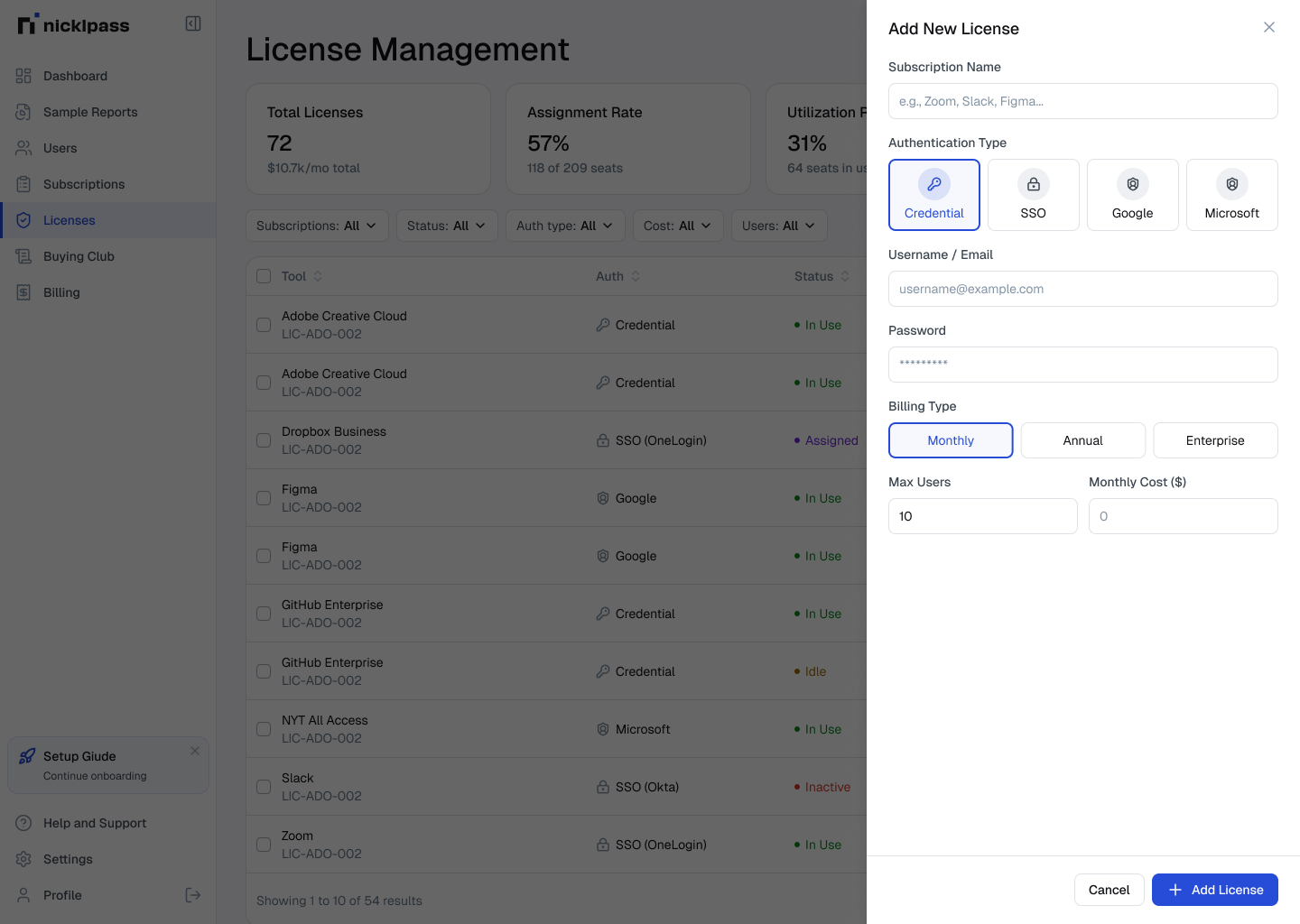
The product is organized around the surfaces an organization admin actually touches. A Dashboard combines spend and active time. A Subscriptions view joins cost with usage per app. A Users view shows per-user estimated spend. License management handles bulk upload, seat assignment, and access requests. Settings covers workspace and banking integrations and an in-app Roles editor over an 11-scope permission system. The Buying Club has its own enrollment flow with a seat-based pricing calculator. New customers go through a guided five-step onboarding that runs without engineering involvement.

Want a SaaS platform built end to end?

If you have a thesis but no product, or a data pipeline that still needs a customer-facing surface, we build the whole thing: data integrations, the Control Panel, billing, RBAC, onboarding, and the internal admin tooling your team uses.